
How to Fix Buffering Issues on IPTV
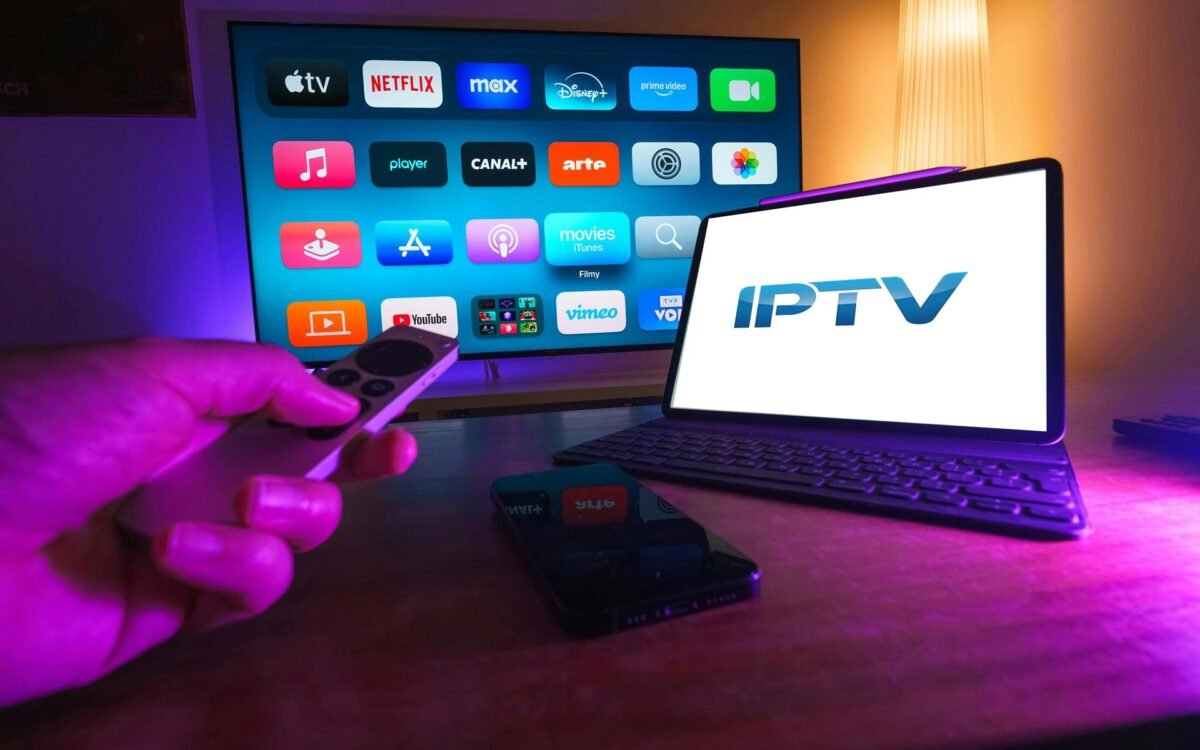
Buffering is the single most frustrating problem IPTV users face. You sit down ready to watch live sports, a movie, or a TV show, and instead of smooth playback, the stream freezes, loads endlessly, drops in quality, or stops completely. While IPTV technology is powerful, buffering issues can appear for many reasons, ranging from internet problems to device limitations and server congestion. The good news is that most IPTV buffering problems are fixable once you understand what causes them.
This article explains every possible reason IPTV buffering happens and provides practical, real-world solutions you can apply immediately. Whether you are watching IPTV on a Smart TV, Android device, Firestick, PC, or mobile phone, the fixes below apply to all platforms.
Understanding What IPTV Buffering Really Is
Buffering happens when your IPTV player does not receive video data fast enough to continue playback smoothly. IPTV streams live or on-demand content through the internet in small data packets. When these packets arrive late or inconsistently, the player pauses to load more data. This pause is what users experience as buffering.
Unlike traditional cable or satellite TV, IPTV relies entirely on internet performance. Any weakness in speed, stability, routing, or server availability can cause playback interruptions. Buffering does not always mean the IPTV service is bad; in many cases, the issue is on the user’s side.
Internet Speed: The Most Common Cause of IPTV Buffering
Insufficient internet speed is the leading cause of IPTV buffering. Live TV streams require a steady flow of data, not just high peak speeds.
For standard definition (SD) IPTV channels, a minimum of 5 Mbps is required. High definition (HD) channels typically need at least 10 Mbps, while Full HD and 4K streams may require 20–50 Mbps or more. If multiple devices are connected to the same network, the required speed increases significantly.
Many users test their internet speed once and assume it is fine. However, IPTV needs consistent speed, not just a fast result on a speed test. Speed drops during peak hours can cause buffering even if your connection looks good earlier in the day.
Fix:
Upgrade your internet plan if necessary, and test speeds at different times of day. Avoid relying on mobile data for IPTV, as it is often unstable for long streaming sessions.
Wi-Fi Problems and Weak Signal Strength
Wi-Fi connections are convenient, but they are also a major source of IPTV buffering. Walls, distance from the router, interference from other devices, and outdated routers all affect signal quality.
Even with fast internet, a weak Wi-Fi signal can cause packet loss, leading to buffering and freezing. This is especially common with Smart TVs and Firesticks placed far from the router.
Fix:
Whenever possible, use a wired Ethernet connection instead of Wi-Fi. If wiring is not an option, move your router closer to your IPTV device, use a Wi-Fi extender, or upgrade to a modern dual-band or mesh router.
Router Overload and Network Congestion
Your router handles all internet traffic in your home. When multiple devices are streaming, downloading, gaming, or updating at the same time, the router may struggle to manage the load.
IPTV requires real-time data delivery, and when the router prioritises other traffic, buffering occurs.
Fix:
Restart your router regularly to clear memory and refresh connections. Enable Quality of Service (QoS) settings if available, and prioritise IPTV traffic. Disconnect unused devices and avoid heavy downloads while watching IPTV.
IPTV Server Congestion
Not all buffering issues are caused by your internet. IPTV providers rely on servers to deliver streams. When too many users connect at the same time—especially during major sports events—servers can become overloaded.
This results in slow channel loading, freezing, or streams stopping entirely.
Fix:
Test multiple channels. If buffering happens only on specific channels or at specific times, the issue is likely server-related. A reliable IPTV provider with load-balanced servers and multiple stream sources reduces this problem significantly.
ISP Throttling and Traffic Shaping
Some internet service providers intentionally slow down streaming traffic, especially during peak hours. IPTV traffic may be detected and throttled, leading to buffering even on fast connections.
This issue is more common in regions where ISPs restrict or monitor streaming services.
Fix:
Using a high-quality VPN can prevent ISP throttling by encrypting your traffic and hiding the type of data being transmitted. Choose a VPN with fast servers and low latency to avoid introducing new buffering problems.
Device Performance Limitations
Older devices often struggle with modern IPTV streams, especially HD and 4K content. Limited RAM, outdated processors, and old operating systems can cause lag, overheating, and buffering.
Smart TVs released several years ago may have weak hardware compared to modern streaming devices.
Fix:
Close background apps, clear cache, and keep your device software updated. If buffering persists, consider using an external streaming device such as an Android TV box or Firestick, which often performs better than built-in Smart TV apps.
IPTV App Issues and Player Settings
The IPTV app you use plays a major role in performance. Poorly optimised apps, outdated versions, or incorrect player settings can cause buffering.
Some apps use inefficient buffering algorithms or fail to adapt stream quality based on connection speed.
Fix:
Update your IPTV app regularly. Try different IPTV players and compare performance. Adjust buffer size settings if available, and enable hardware acceleration when supported by your device.
Incorrect Stream Format or Protocol
IPTV streams use different protocols such as HLS, MPEG-DASH, and RTSP. Some devices handle certain formats better than others.
If your IPTV service provides multiple stream formats, choosing the wrong one can lead to buffering.
Fix:
Switch between available stream formats in your IPTV app. HLS is generally more stable for most devices, while MPEG-DASH works well on newer platforms.
DNS Issues and Slow Name Resolution
DNS servers translate domain names into IP addresses. Slow or unreliable DNS servers can delay stream connections and cause buffering.
Many users rely on default ISP DNS servers, which may not be optimised for streaming.
Fix:
Change your DNS settings to a faster public DNS service. This often improves channel loading speed and overall stability.
Background Apps and System Load
Apps running in the background consume CPU, RAM, and bandwidth. Automatic updates, cloud backups, and syncing services can interfere with IPTV playback.
This problem is common on Android devices and PCs.
Fix:
Close unused apps before watching IPTV. Disable automatic updates during streaming sessions and reboot your device periodically to clear system resources.
Cache Buildup and App Data Corruption
Over time, IPTV apps accumulate cache files that can slow performance and cause buffering or crashes.
Corrupted app data can also prevent smooth playback.
Fix:
Clear cache and app data regularly. If problems persist, uninstall and reinstall the IPTV app to start fresh.
Outdated Firmware and Software
Old firmware on routers, TVs, and streaming devices can cause compatibility issues and network inefficiencies.
Manufacturers release updates to improve performance and fix bugs.
Fix:
Check for firmware updates on your router and IPTV devices. Keeping everything up to date often resolves unexplained buffering issues.
Regional Routing and Server Distance
The physical distance between you and the IPTV server affects latency. If your IPTV provider’s servers are located far away, buffering may occur even with fast internet.
Fix:
Choose IPTV services with servers close to your region. If using a VPN, select a server location near both you and the IPTV provider’s infrastructure.
Peak-Time Streaming Problems
IPTV usage spikes during evenings, weekends, and live events. Even good services can experience strain during peak hours.
Fix:
Lower stream quality during peak times or use adaptive streaming settings if available. Watching slightly lower resolution can eliminate buffering without significantly reducing viewing quality.
Advanced Troubleshooting for Persistent Buffering
If basic fixes do not work, deeper troubleshooting may be required. Packet loss tests, traceroute checks, and network diagnostics can reveal hidden issues.
In some cases, replacing old networking equipment is the only solution.
How Professional IPTV Providers Reduce Buffering
High-quality IPTV providers invest heavily in infrastructure to minimise buffering. This includes content delivery networks (CDNs), load balancing, redundant servers, adaptive bitrate streaming, and proactive monitoring.
Choosing a provider that focuses on stability rather than just channel count makes a noticeable difference in user experience.
Preventing IPTV Buffering Long-Term
Preventing buffering is easier than constantly fixing it. A stable internet connection, modern hardware, reliable apps, and a trustworthy IPTV provider form the foundation of smooth streaming.
Regular maintenance—such as clearing cache, updating software, and restarting devices—keeps your IPTV system running efficiently.
Final Thoughts
IPTV buffering is not a single problem with a single solution. It is usually the result of several small issues working together. By understanding how IPTV works and addressing each potential weak point, you can dramatically improve your streaming experience.
Most buffering problems can be fixed without changing your IPTV service. However, if buffering remains constant despite optimising your network and devices, the provider itself may be the limiting factor. In that case, switching to a more stable and professionally managed IPTV service is often the best long-term solution.
With the right setup and knowledge, IPTV can deliver smooth, high-quality streaming that rivals or exceeds traditional TV platforms.